
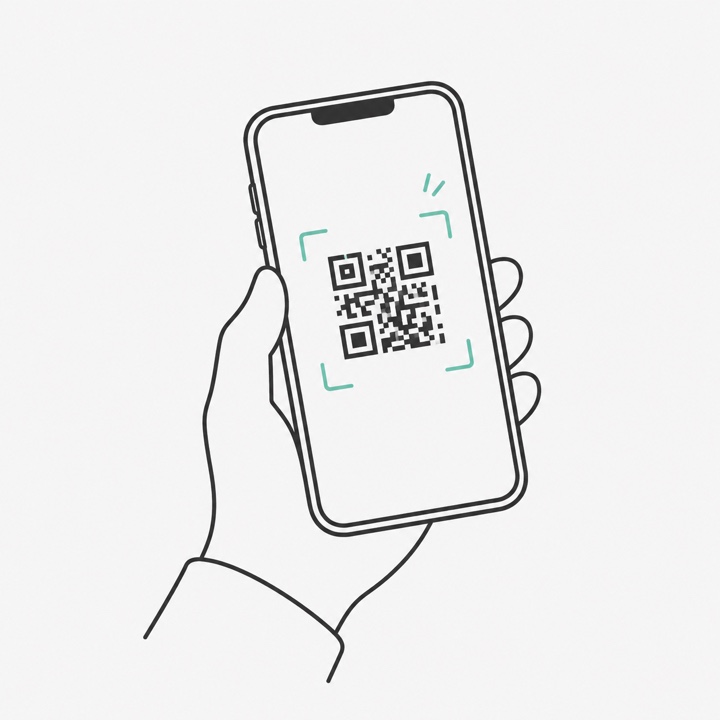
They scan your QR
Put it on the tables, the photo booth, or the back of your card. It opens a page in their phone browser — nothing to install, no account.
For event photographers
Add a guest gallery to the weddings and parties you already shoot. Guests scan your QR, take one selfie, and get the photos they are in. You pay per event and charge what you like for it.
Free to set up. You only pay when you are ready to upload photos.
A looping demonstration of what a guest does: they scan the QR code you put on the table, take one selfie, and get a private gallery of the photos they appear in. The same three steps are summarised at the end of each loop.
What your guests do
You upload your photos once. Everything below happens on the guest’s own phone — they can scan on the night and their gallery fills as your photos arrive.
Put it on the tables, the photo booth, or the back of your card. It opens a page in their phone browser — nothing to install, no account.
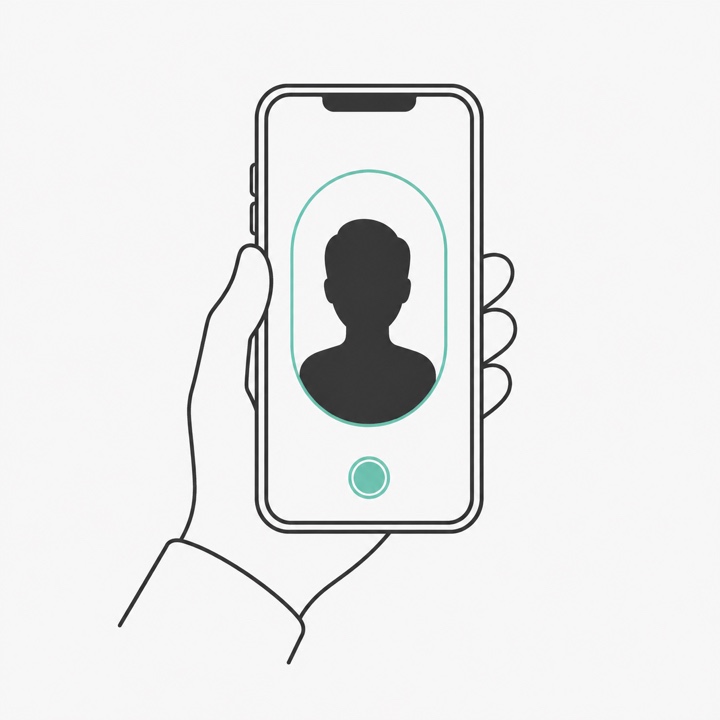
That is the whole sign-up. The selfie is used to find them in your photos and is never saved alongside the event photos — it is deleted as soon as matching is done.
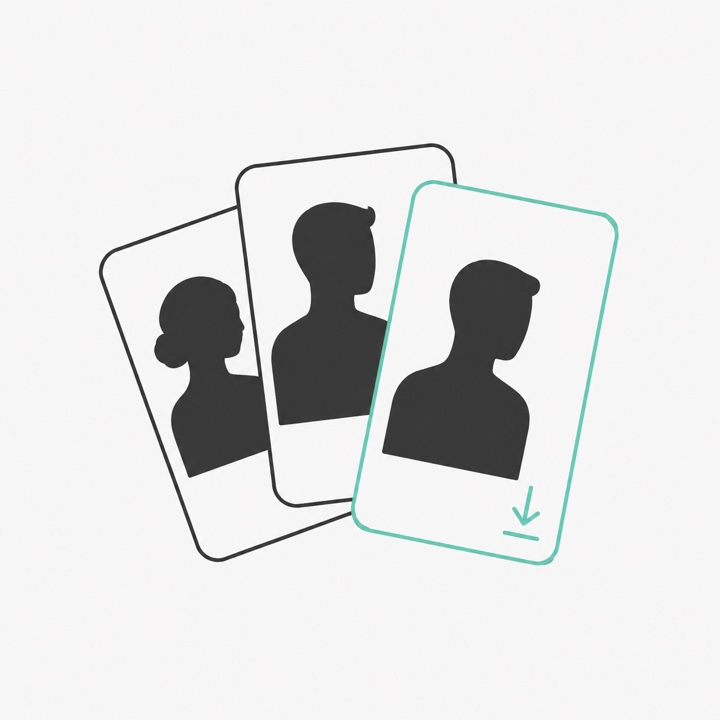
A personal gallery of every photo they appear in, ready to download at full size. If one is not them, they can remove it themselves.
How you run it
Almost everyone runs it themselves. If you would rather have us at the event, we do that too.
Run it yourself
Create the event in minutes, hand out the QR on the night, and upload once you have culled and edited. Guests who scanned early get their photos the moment yours land — you never chase anyone.
₱1,999 an event. Free until you upload.
Or we run it for you
We bring the kit and operate it beside you, so guests find themselves before they go home. No upload, and no venue wifi needed — matching happens on the laptop in the room.
Talk to usQuoted per event. We will check the date and venue with you first.
Either way, you choose which photos go out. Nothing reaches a guest that you did not hand over.
Why bother
You pay us per event. What you charge the couple or the host for it is entirely yours — most photographers fold it into a package rather than pricing it separately.
Hand out the QR on the night and upload when you are ready — that evening or the next day. Guests who scanned early get their photos the moment yours land, without you chasing anyone.
Full-resolution downloads, your event name on the frame, and a link that stays live for 60 days. Guests never pay and never make an account.
Pricing
This is the price for the self-serve version. Having us run it at your event is quoted per event — the guest count, the venue and the date all matter.
Celebration
per event, paid before you upload
Booked a few events already? You can pay ahead at the same price and keep up to five event passes on your account, then use one whenever you create an event. Passes do not expire.
Want us at the event instead, or running something bigger than 2,000 photos? Talk to us and we will sort it out by hand.
Questions
From the selfie they take. We compare it against the faces in the photos you uploaded and put the matches in their gallery. If one is not them, they remove it with a tap.
It is used to make the match and then discarded. It is never stored beside your event photos, never published, and never shown to anyone else.
No. No sign-up, no app, no payment. They open the link, take a selfie, and download.
Creating an event and getting its QR is free. Payment unlocks photo upload for that event, so you can set everything up before you decide.
Upload whenever you are ready. Guests who already took their selfie get the new photos added to their gallery automatically.
Yes, but that is the version we run for you on site — matching happens on a laptop at the venue, so nothing has to be uploaded first. Running it yourself, a full gallery is realistically next-day: a few thousand full-size photos is tens of gigabytes. Uploading a small set of selects on the night is the middle ground, and works over a phone hotspot.
Only what you hand over. Both ways, you choose which photos reach guests — nothing is pulled off your camera or your drive by us.
Yes — birthdays, corporate nights, conferences, anything with a crowd and a photographer. Write to godfrey@sharedframe.ph if your event is unusual and we will tell you honestly whether it fits.
Create it, get the QR, and look around before you pay a peso. Payment only unlocks the upload.
Start an event