
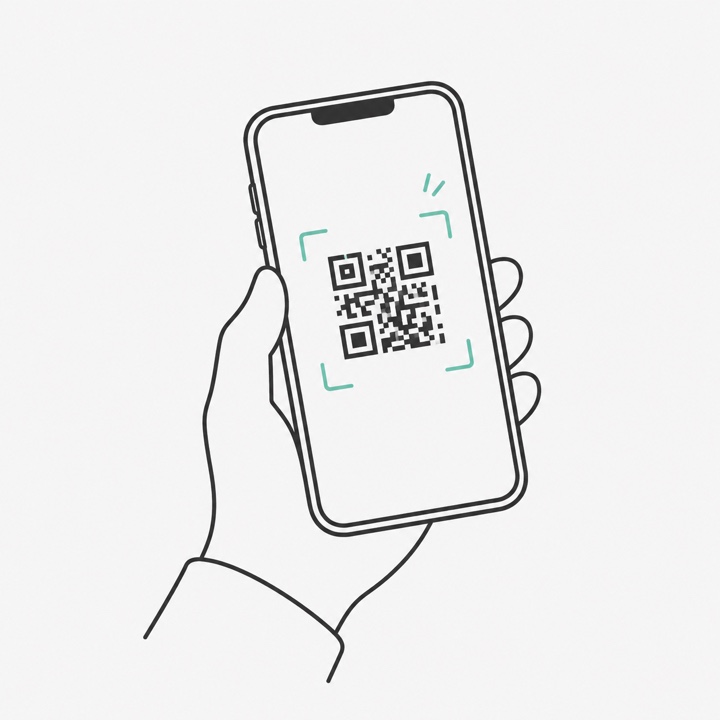
They scan your QR
Put it on the tables, the photo booth, or the back of your card. It opens a page in their phone browser — nothing to install, no account.
For couples, families and organisers
It works with the photographer you already booked. Your guests scan a QR, take one selfie, and get the photos they are actually in — no app, no sign-up, and they never pay a peso.
Your photographer sets it up. Ask them yourself, or leave us their details and we will ask.
A looping demonstration of what a guest does: they scan the QR code you put on the table, take one selfie, and get a private gallery of the photos they appear in. The same three steps are summarised at the end of each loop.
What your guests do
Your photographer uploads the photos once. Everything below happens on your guests’ own phones — they can scan on the night and their gallery fills as the photos arrive.
Put it on the tables, the photo booth, or the back of your card. It opens a page in their phone browser — nothing to install, no account.
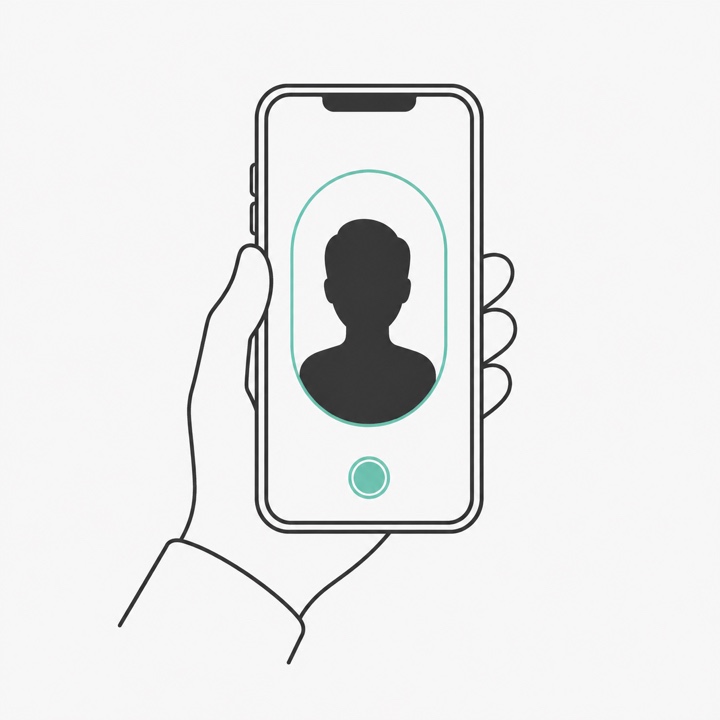
That is the whole sign-up. The selfie is used to find them in your photos and is never saved alongside the event photos — it is deleted as soon as matching is done.
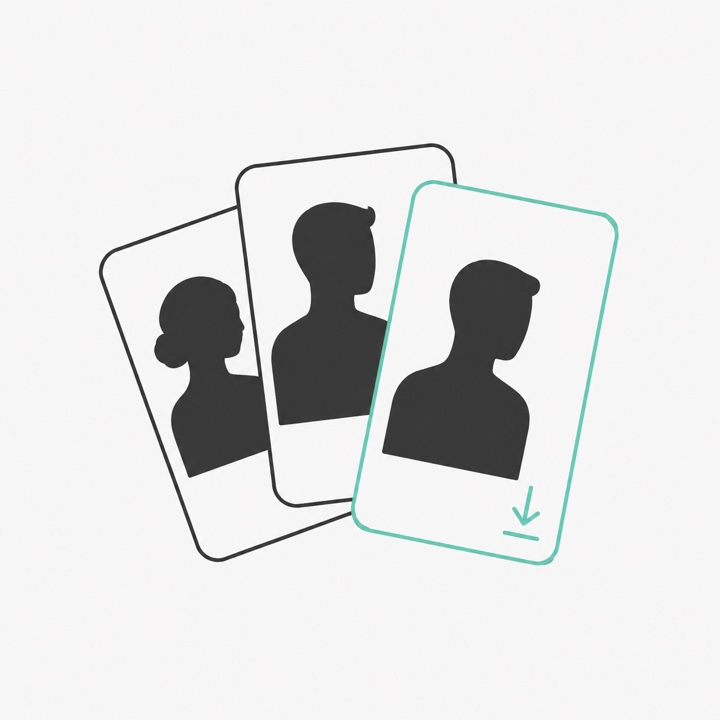
A personal gallery of every photo they appear in, ready to download at full size. If one is not them, they can remove it themselves.
Why it is worth asking for
Your guests’ gallery lands about a day after the event, rather than with the finished album. Your photographer’s own timeline does not change — your guests just stop waiting on it.
Guests download the original files, not the compressed copies a group chat leaves behind. Every photo can carry your own event frame, with your names and your date on it.
Each guest sees the photos they are in, and only those. No shared album to hunt through, and nobody quietly misses the shots they were in.
About the selfie
The selfie your guest takes is used to match them to the photos they appear in, and then it is discarded. It is never saved beside your event photos, never published, and never shown to anyone else.
Guests are never asked for a name, an email, a password or a payment. They open the link, take one selfie, and download.
If a photo is not them, they remove it from their own gallery with a tap. Nobody has to ask anyone for it.
The selfie is gone the moment matching finishes, so there is no copy of it left. Gallery access itself ends 60 days after the event.
If you want it sooner
For most events the gallery lands the next day, because a few thousand full-size photos is tens of gigabytes to send. If you want your guests holding their photos during the party, we bring the kit and run it at the venue — the matching happens on a laptop in the room, so nothing has to be uploaded and no venue wifi is needed.
On the night, at the venue
Someone has to be there operating it, so it is arranged with you and quoted per event — the guest count, the venue and the date all matter. We will check the date is free before anything else.
Ask about on-siteHow to get it
SharedFrame is set up by the photographer, not by you. They arrange it per event and decide what — if anything — to charge for it. Most fold it into a package. You can send them this right now:
Hi! Do you offer guest photo galleries? I'd love this for our event — guests scan a QR, take one selfie, and get the photos they're in: https://sharedframe.ph/photographers
Or send them the page: sharedframe.ph/photographers
Questions
Neither. There is no sign-up, no app, and no payment for a guest. They scan the QR, take one selfie, and download their photos.
Only on the version we run at the venue, where the matching happens on a laptop in the room. Run the ordinary way, the gallery is realistically the next day — a few thousand full-size photos is tens of gigabytes, and your photographer still has to cull them. Some photographers upload a small set of favourites on the night as a middle ground.
No. It works with whatever camera they already shoot on. They upload the photos they were going to deliver anyway.
Yes, and that is the usual case. Your photographer sets it up for your event; they do not need to change anything else about how they work. Ask them, or leave us their details below and we will ask for you.
Then they say no, and nothing is lost — there is nothing for you to cancel and nothing you have paid for. Tell us anyway if you would like; it helps us understand what photographers are worried about.
It takes them a few minutes to set up, and your guests never pay a peso.
Get this at my event